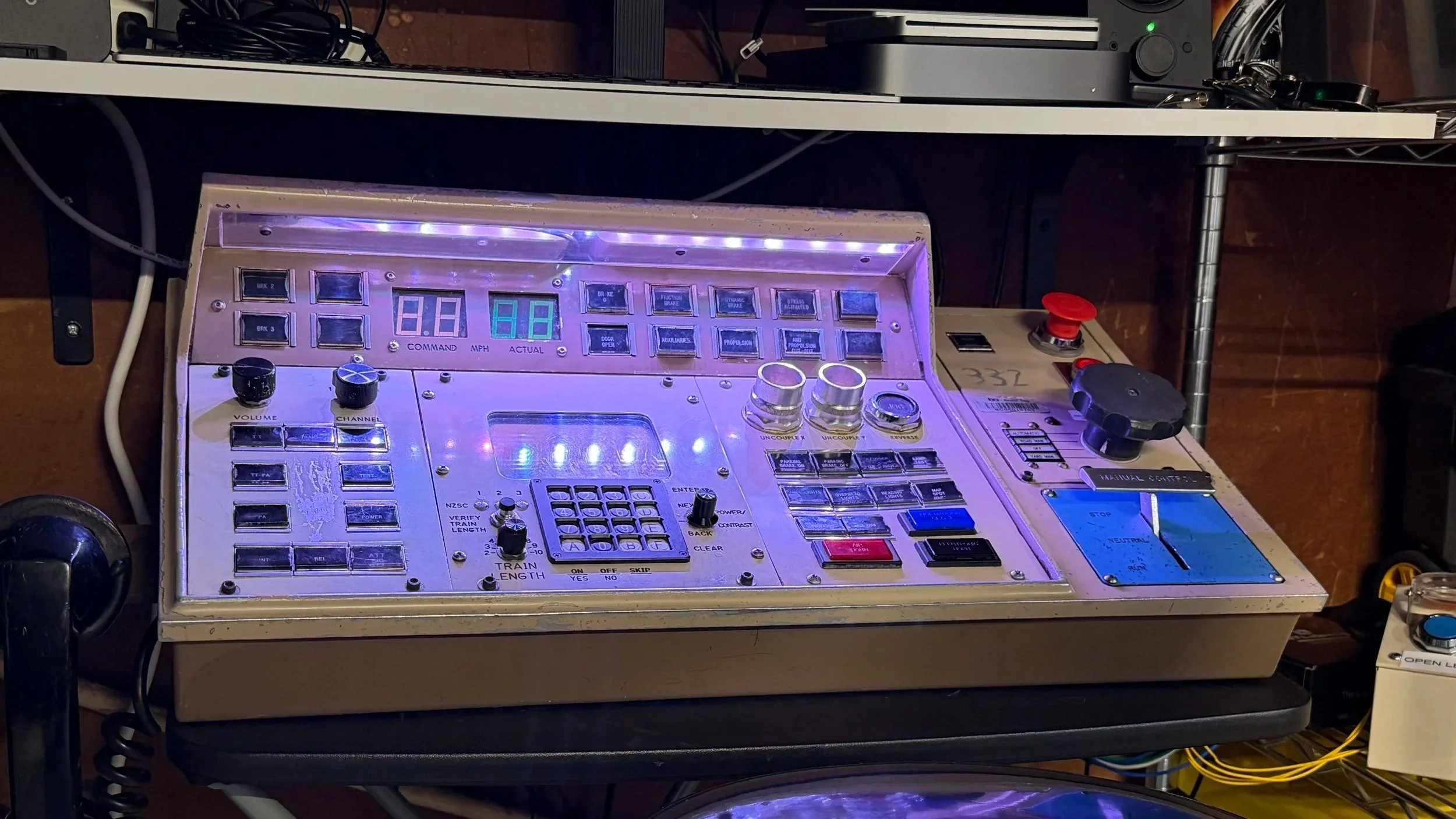
The BART Train Console Project
From a piece of BART history to a working train simulator
The BART Train Console Project started with a simple idea: what if an authentic BART operator console could be brought back to life as part of a modern train simulator?
In September 2026, I learned that the Western Railway Museum had several retired legacy BART operator consoles available. These consoles once formed the centerpiece of the operator’s cab, containing the controls and indicators used to operate BART’s original fleet.
After learning about them, I knew I wanted to preserve one—not simply as a display piece, but as something that could actually be used again.
Getting one wasn’t guaranteed. Availability became limited, and at one point it appeared that the consoles had completely sold out. Fortunately, another opportunity came up, and I was able to obtain one of the final consoles available from the museum.
Bringing the Console Home
Once the console arrived at Ready2Copy, LLC’s HQ - The Copy Lounge, the real project began.
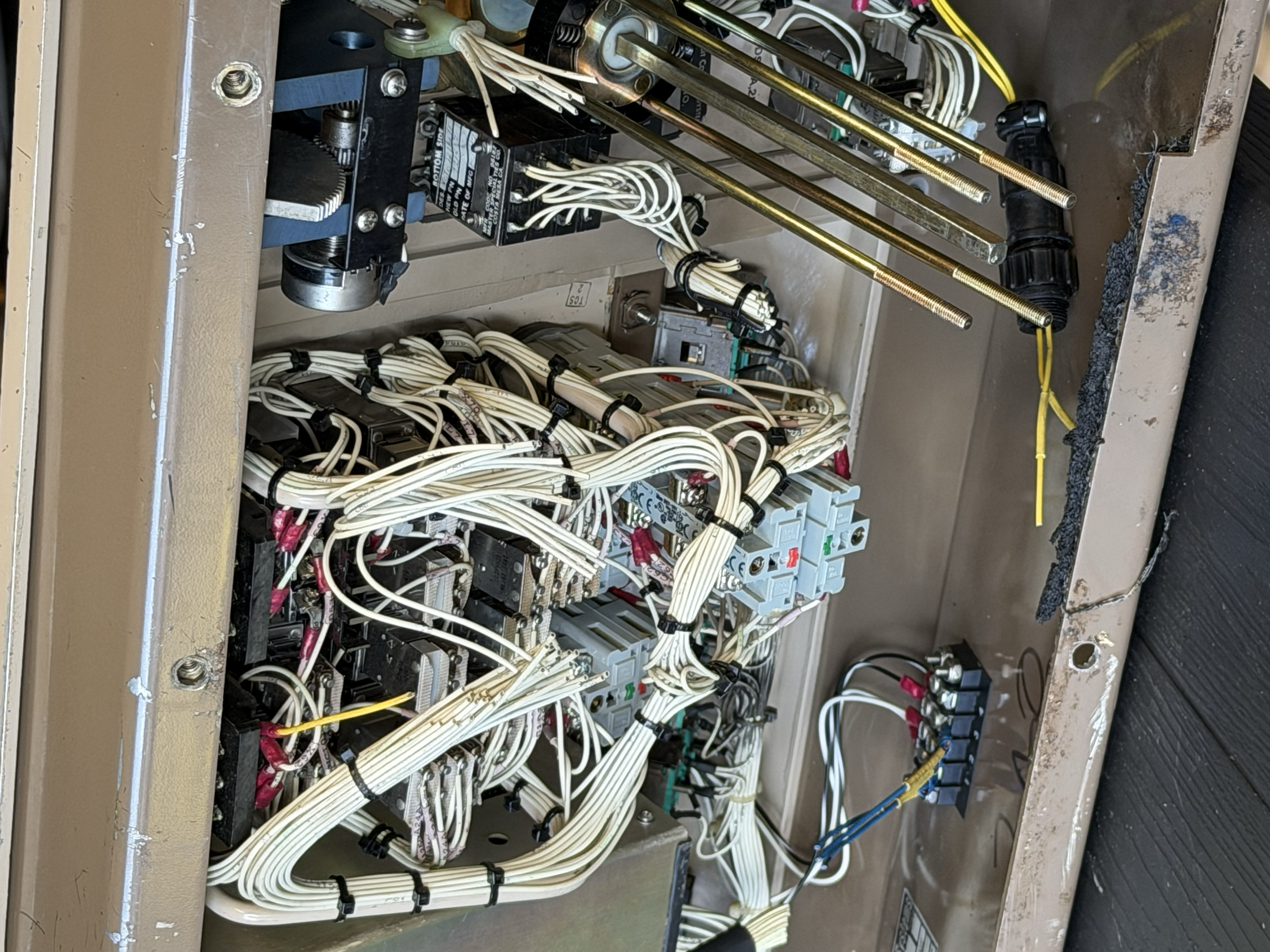
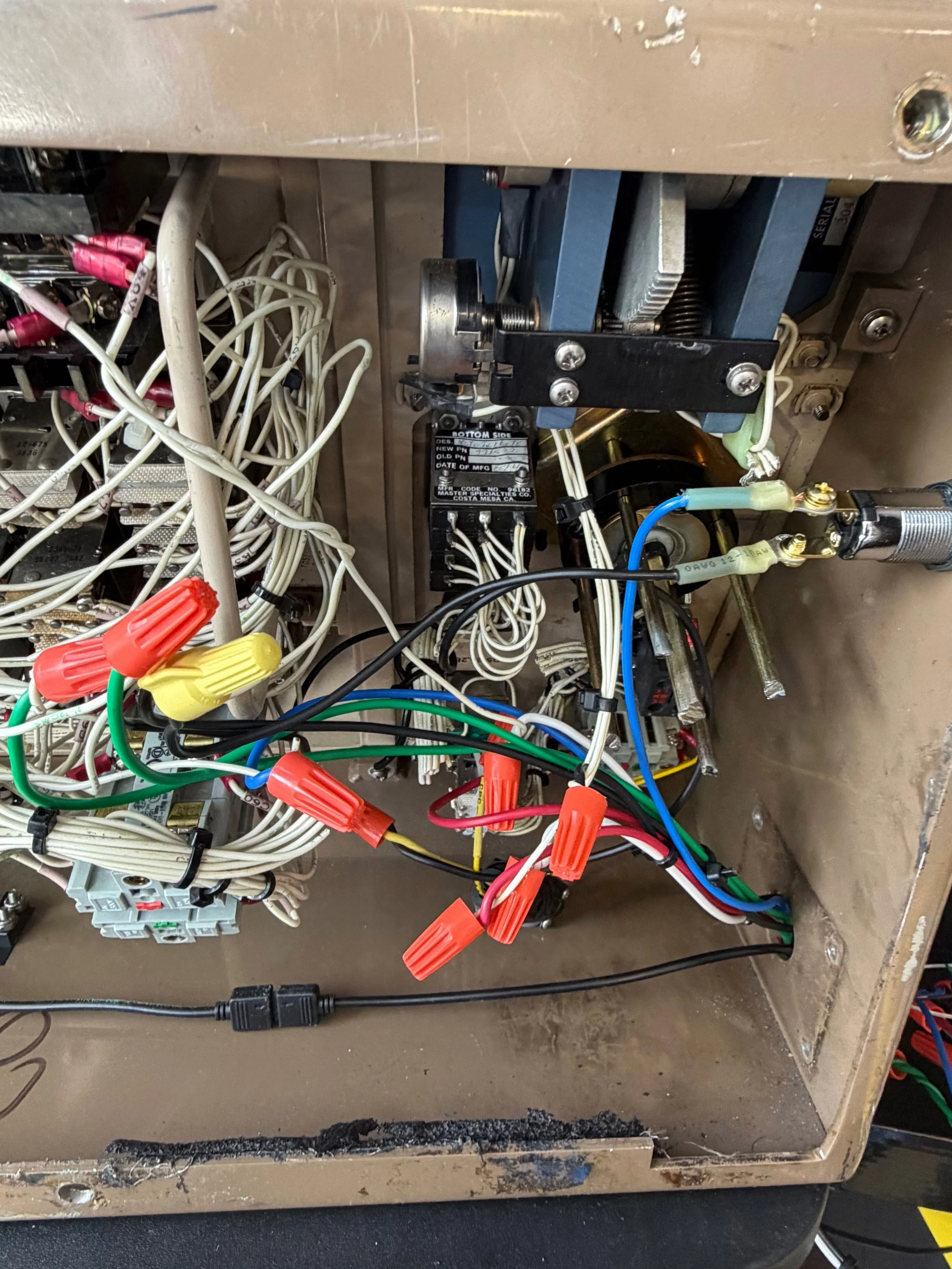
The console was designed for an actual train, not a computer. Its switches, buttons, manual control handle, indicator lights and other components were originally connected to BART’s train systems. There was no USB cable or plug-and-play interface hiding inside.
If I wanted it to control a simulator, I was going to have to figure out how it worked.
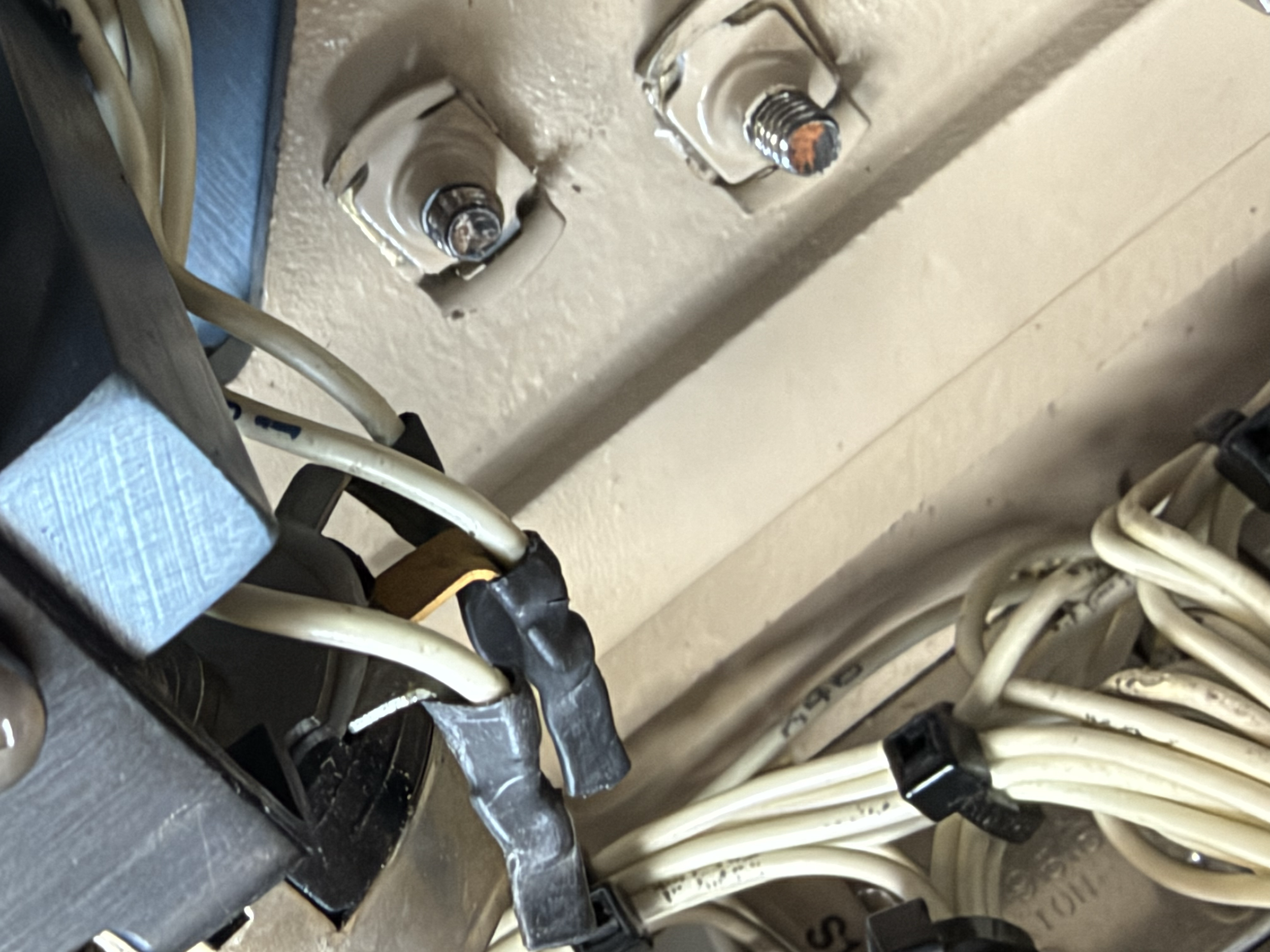
Rather than trying to power the console’s original train circuitry, I began tracing individual controls and determining which components could be safely used independently.
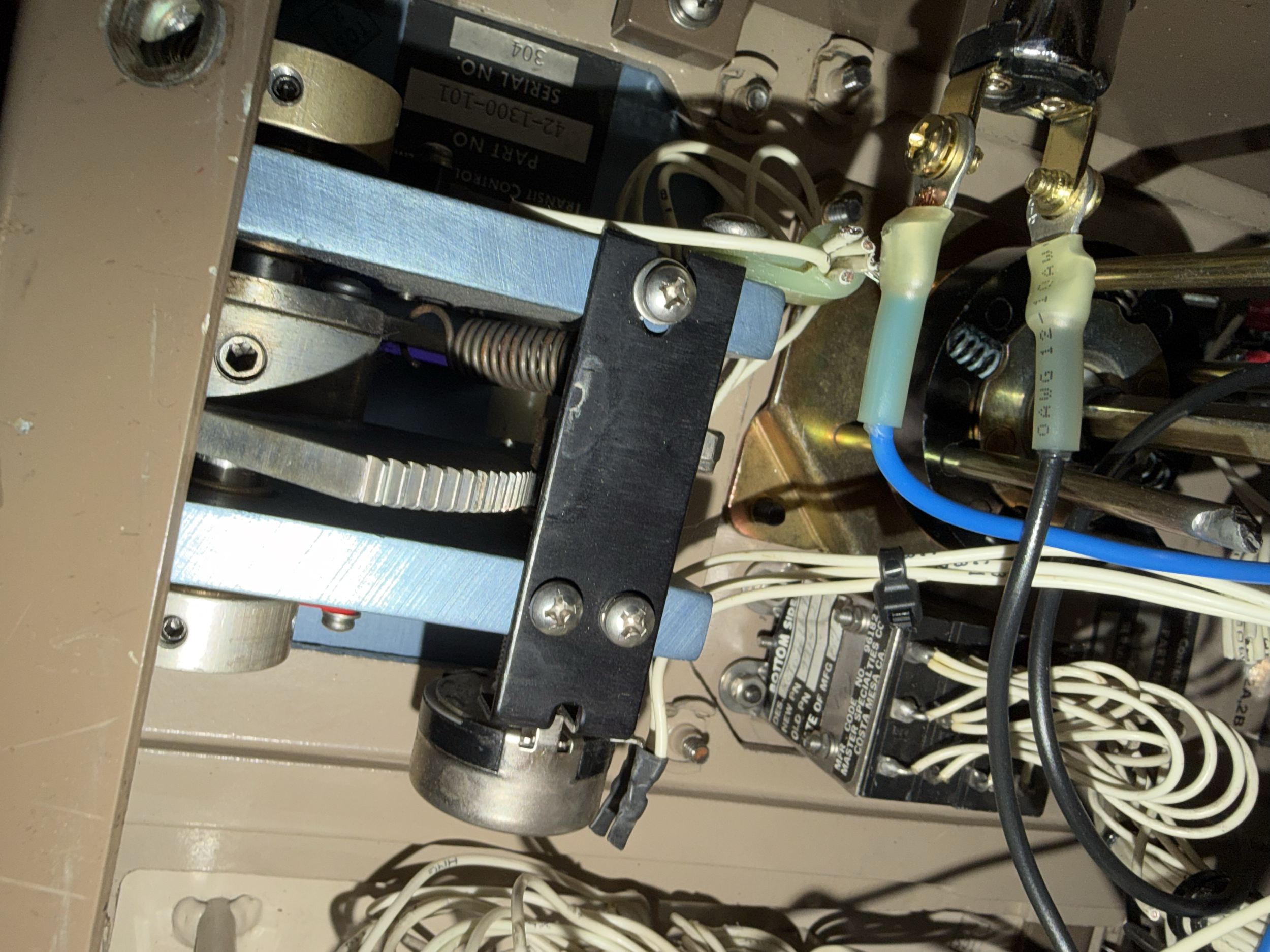
One of the most important discoveries involved the manual control handle.
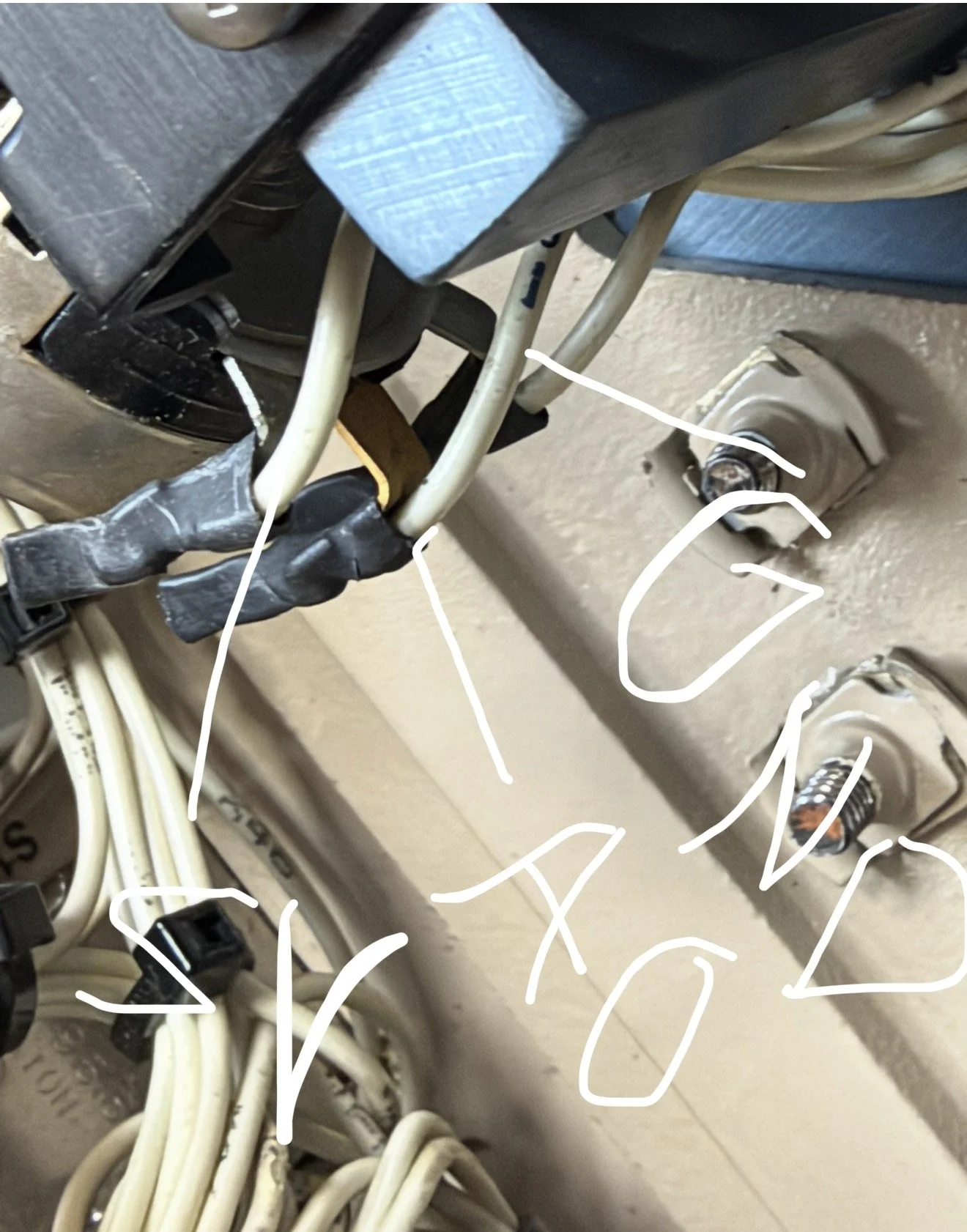
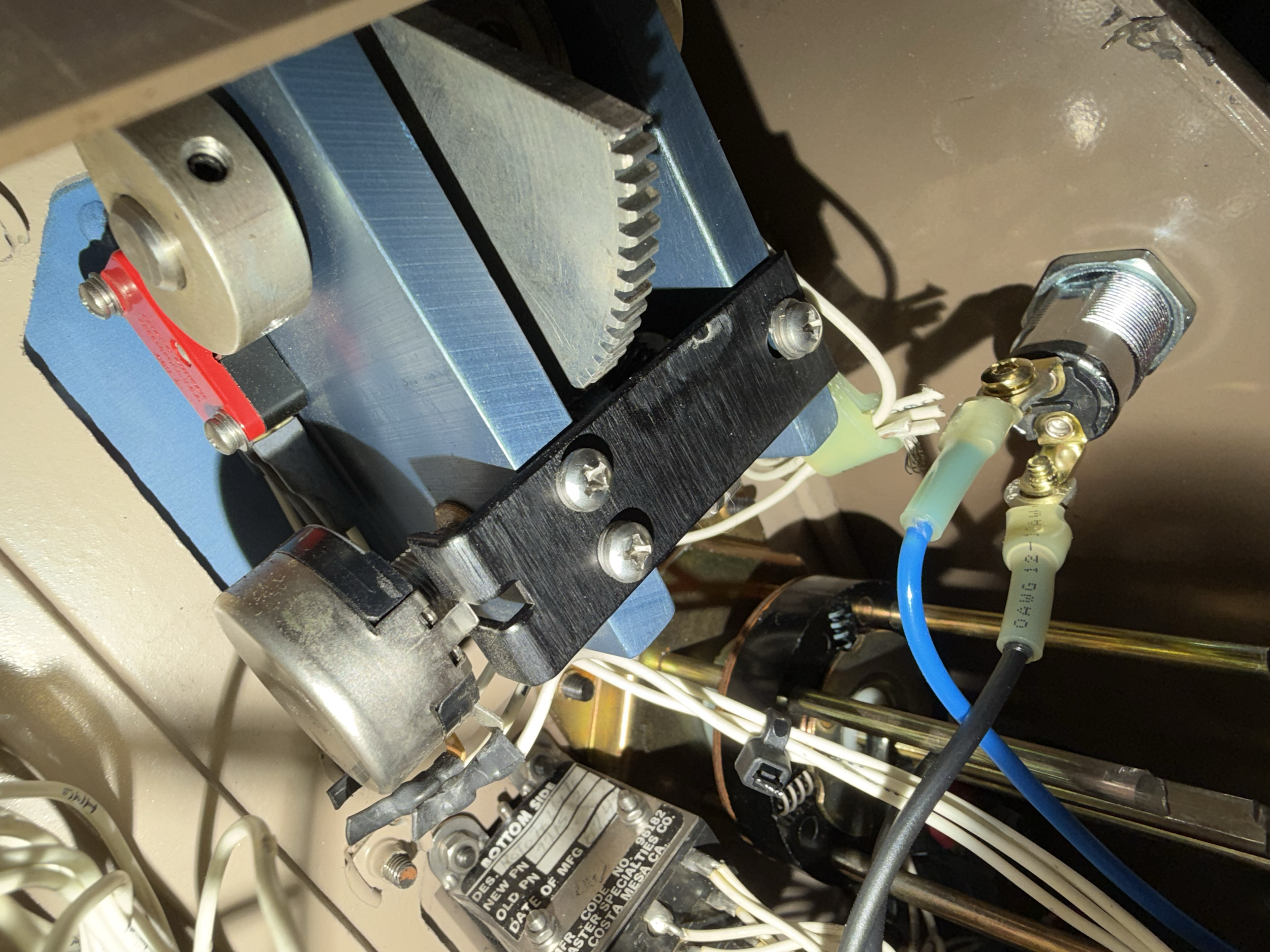
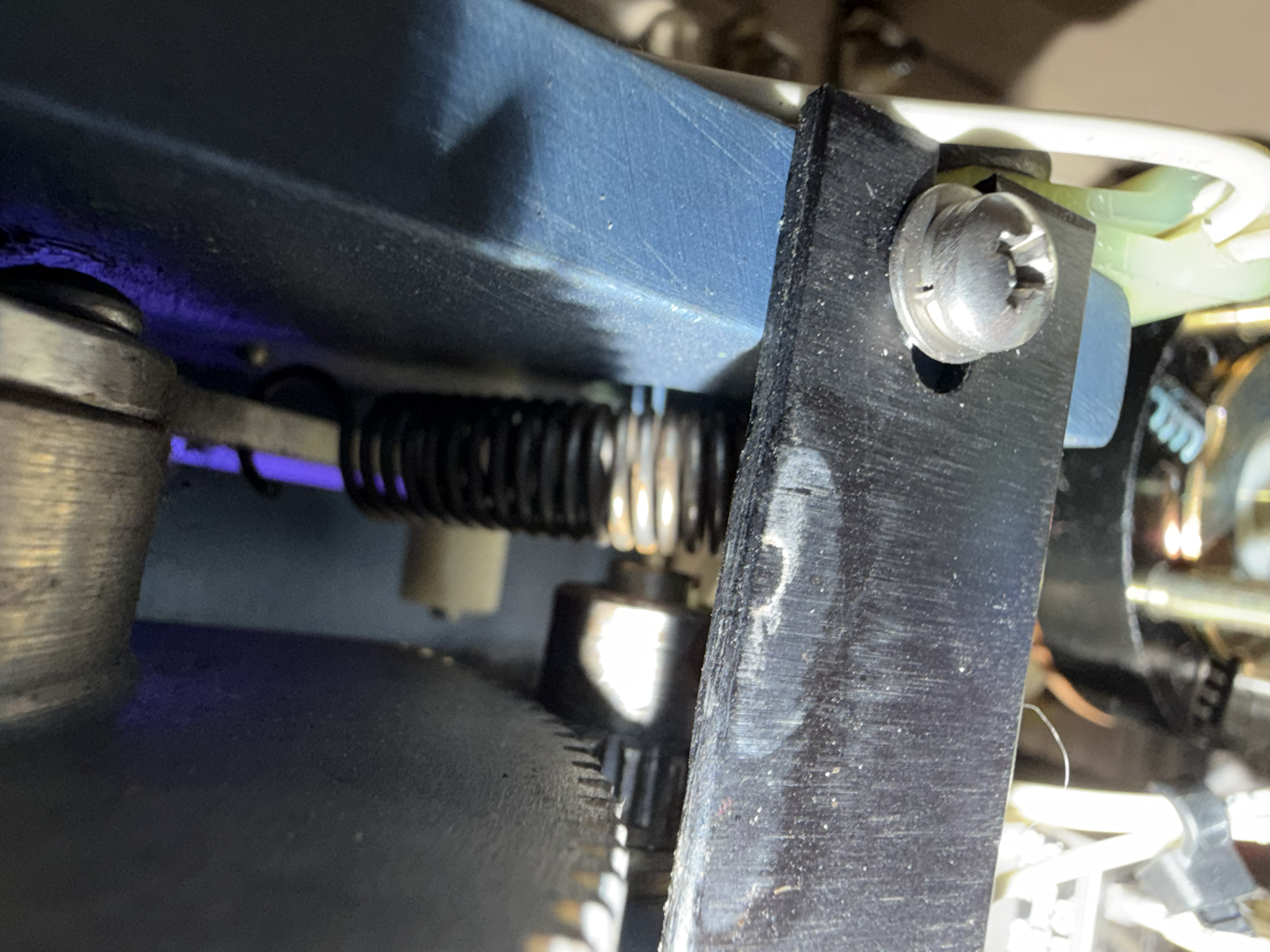
Testing showed that the handle incorporated a potentiometer whose resistance changed as the controller moved through its operating range. That meant the physical position of the original train handle could potentially be measured electronically.
And that opened the door to something much bigger.
Connecting the BART Console to JRTA (Jeanne’s Rapid Transit Authority (JRTA)
With the original controls figured out, the next challenge was connecting the console to the simulator itself.
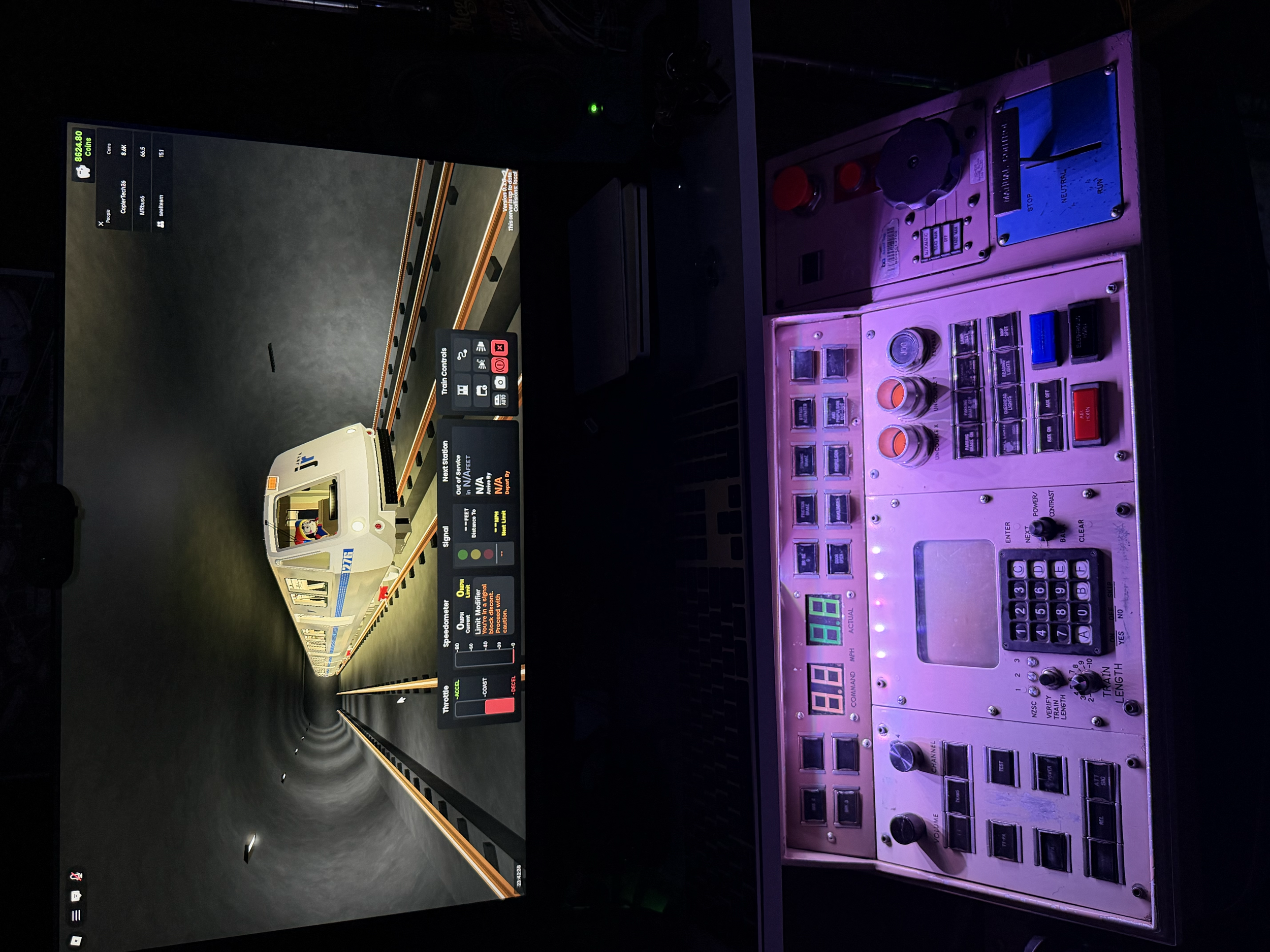
The simulator used for the project is Jeanne’s Rapid Transit Authority (JRTA), a BART-inspired train simulation experience on Roblox. JRTA recreates BART-style train operations and allows players to operate trains throughout a detailed recreation of the system.
Because JRTA already uses keyboard commands for train controls, it created the perfect opportunity to connect the real console.
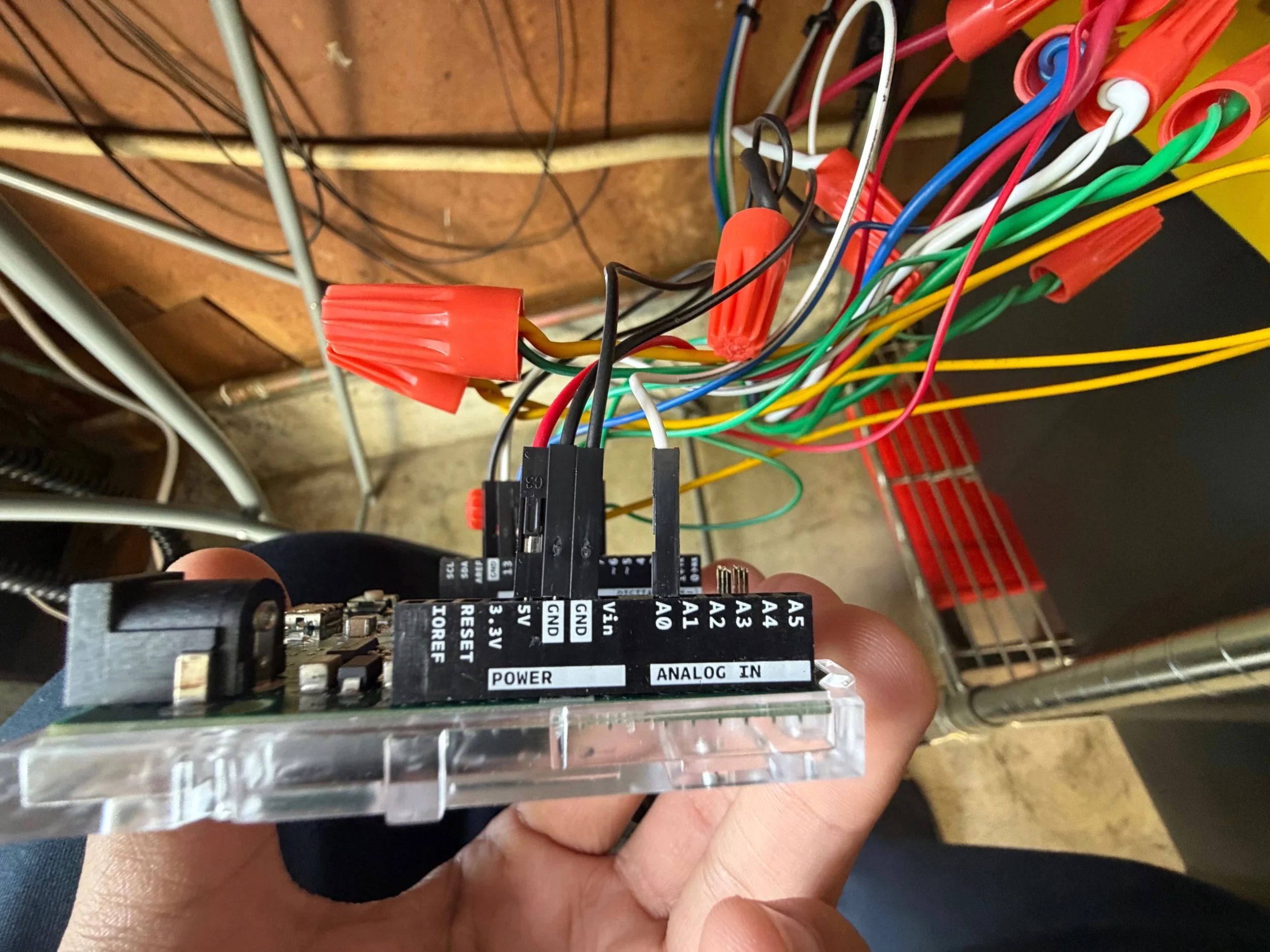
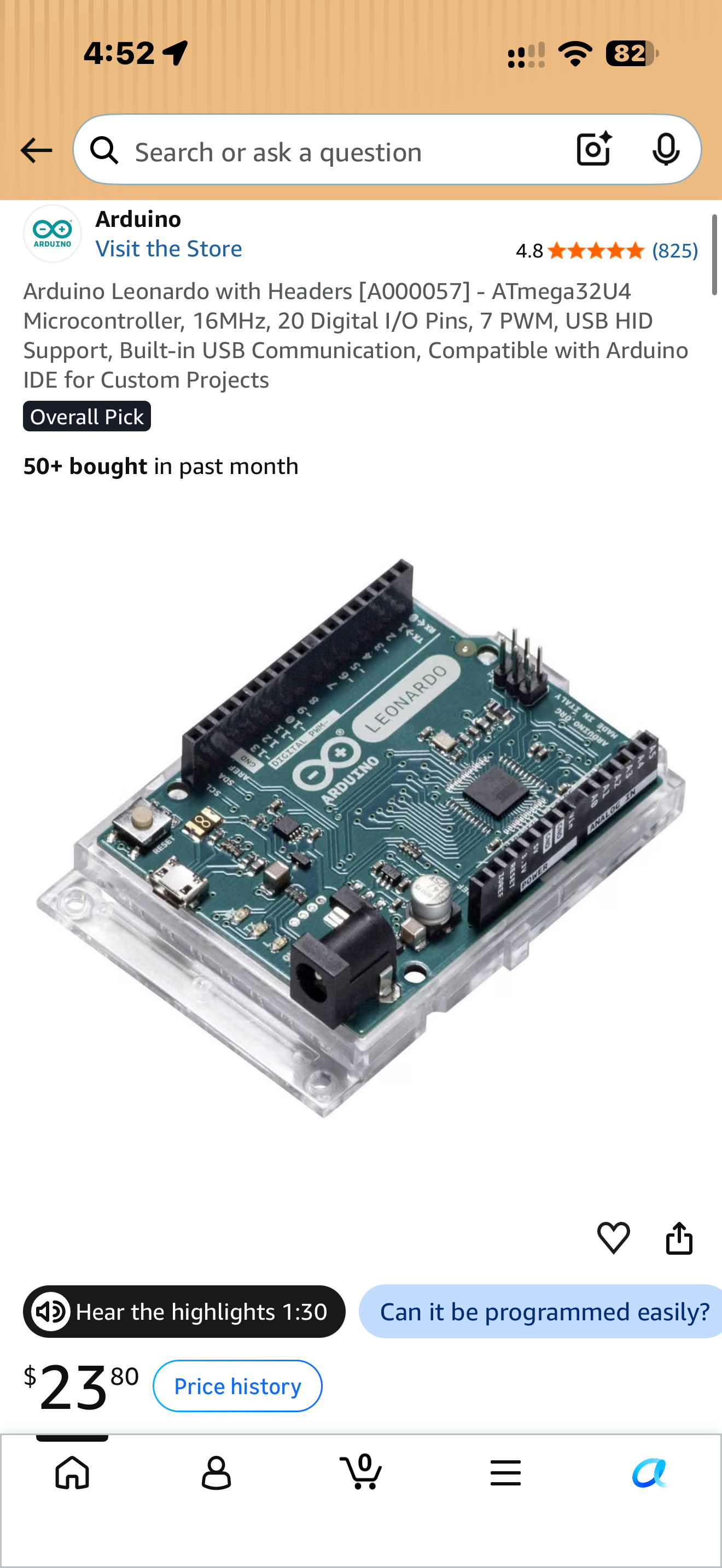
An Arduino Leonardo became the bridge between the two. The Leonardo can identify itself to a computer as a USB keyboard, allowing software I wrote for the Arduino to translate physical inputs from the BART console into keyboard commands that JRTA understands.
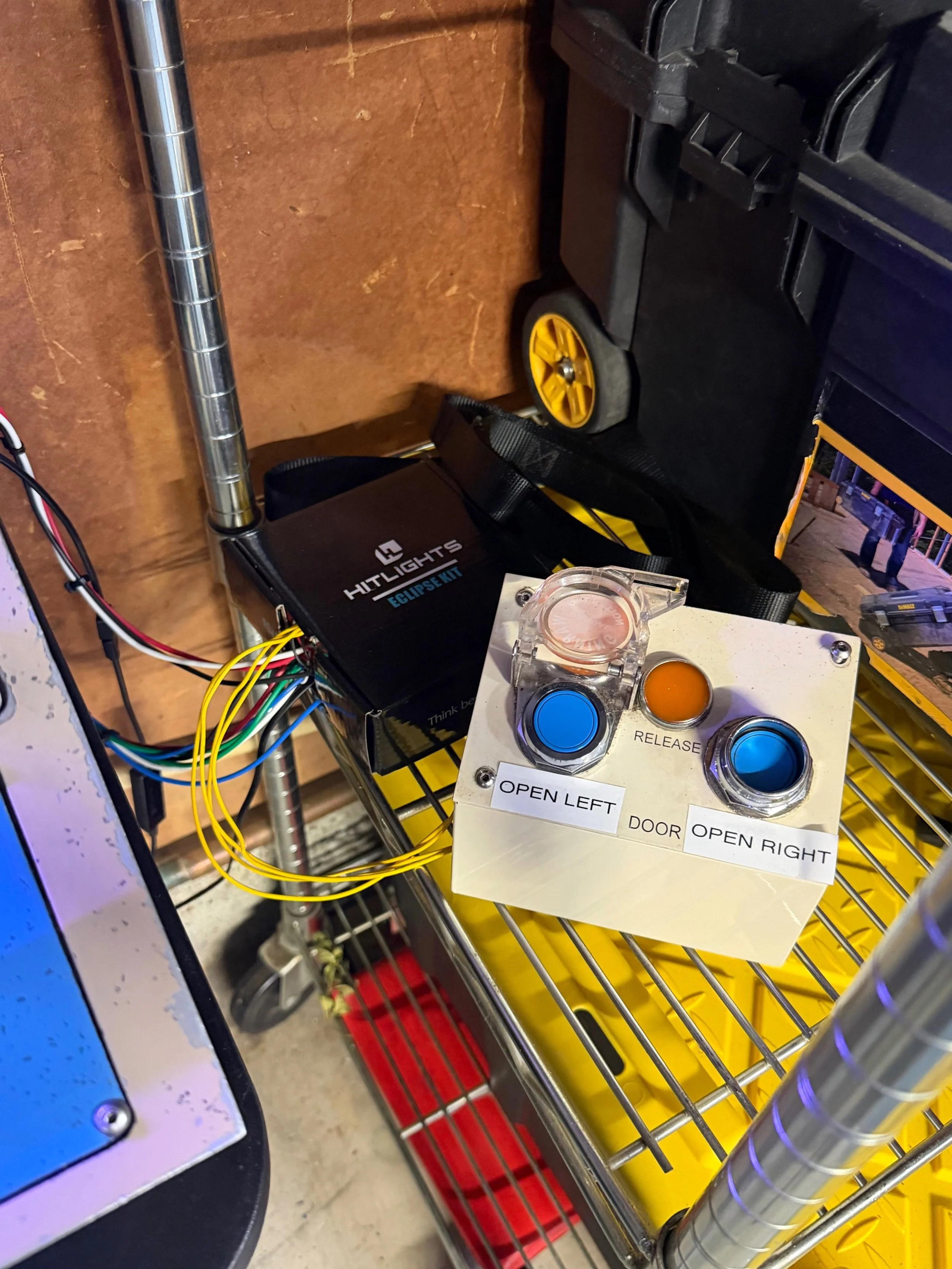
For example, pressing the original HORN button on the console sends the H key to the computer. The door controls send their corresponding commands, and other original controls—including the emergency control and ATO button—were mapped in the same way.
The biggest challenge was the manual control handle. Unlike the buttons, the handle isn’t simply ON or OFF. Its original potentiometer produces a changing electrical value depending on the physical position of the handle. The Arduino reads that value and determines whether the controller has been moved into STOP, NEUTRAL or RUN, then sends the corresponding JRTA command.
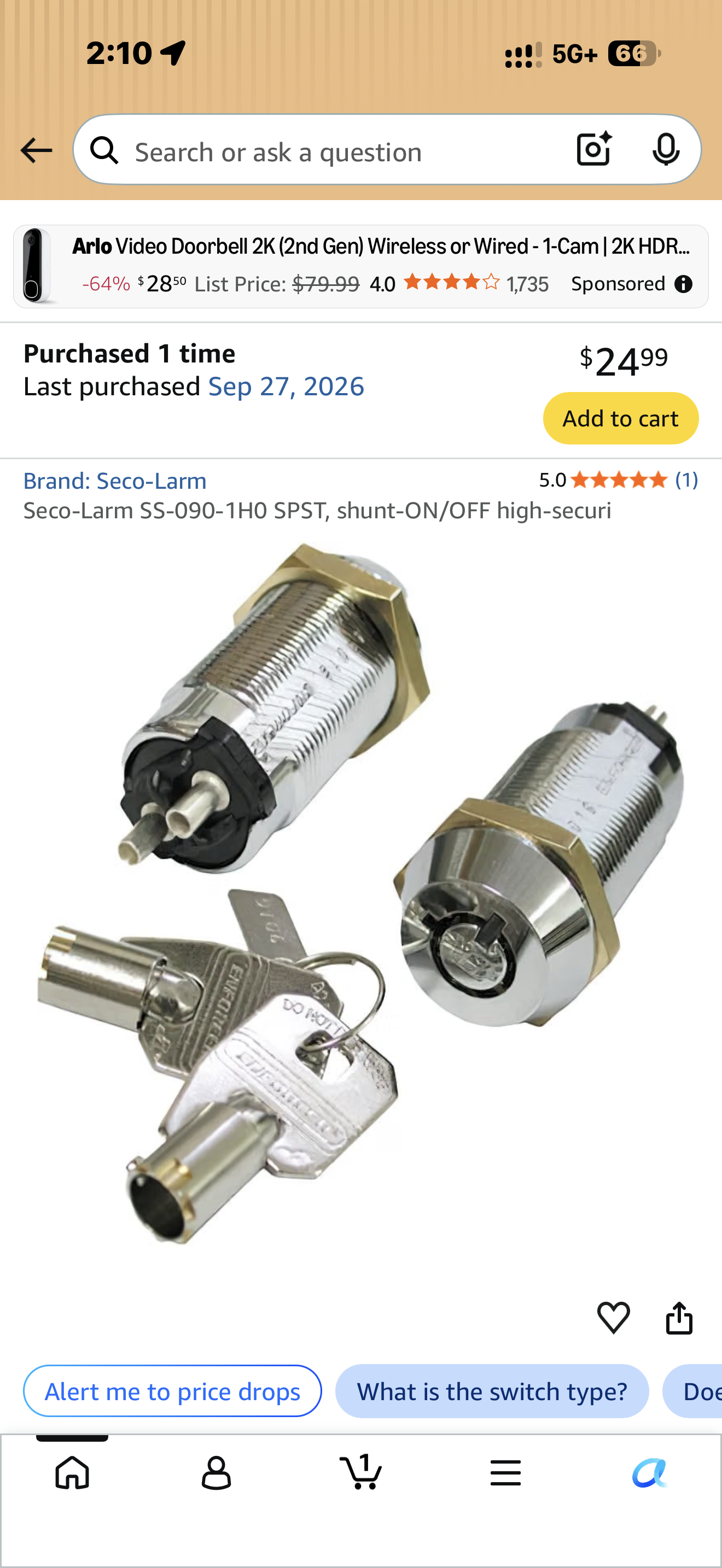
Eventually, the console’s original barrel key switch was incorporated as well, giving the startup and shutdown process another physical element.
The First Train Moves 🚇
After days of tracing wires, testing components, programming the Arduino and troubleshooting, everything came together.
I moved the actual BART manual controller into RUN.
And the JRTA train moved.
The horn button sounded the train’s horn. The original door controls operated the virtual doors. Moving the controller between STOP, NEUTRAL and RUN controlled the train on screen.
At that point, JRTA was no longer being controlled solely by a normal keyboard.
I was playing a Roblox BART simulator using an actual retired BART operator console.
If you want to take the simulator out for a spin! Try it out here!
PHOTOS OF THE CONSOLE TO SIMULATOR PROJECT